はじめに
tauri続きやってみます。
ChatGPTと話しながらのんびり進めているので、雑多な感じになりますが、ブログなのでね。
前回
本題
1. tauriとvueの連携
rust
#[tauri::command]
fn greet(name: &str) -> String {
    format!("Hello, {}! You've been greeted from Rust!", name)
}
#[cfg_attr(mobile, tauri::mobile_entry_point)]
pub fn run() {
    tauri::Builder::default()
        .plugin(tauri_plugin_opener::init())
        .invoke_handler(tauri::generate_handler![greet])
        .run(tauri::generate_context!())
        .expect("error while running tauri application");
}
vue
<script setup lang="ts">
import { ref } from "vue";
import { invoke } from "@tauri-apps/api/core";

const greetMsg = ref("");
const name = ref("");
async function greet() {
  greetMsg.value = await invoke("greet", { name: name.value });
}
</script>

<template>
  <main class="container">
    <h1>Welcome to Tauri + Vue</h1>
    <form class="row" @submit.prevent="greet">
      <input id="greet-input" v-model="name" placeholder="Enter a name..." />
      <button type="submit">Greet</button>
    </form>
    <p>{{ greetMsg }}</p>
  </main>
</template>
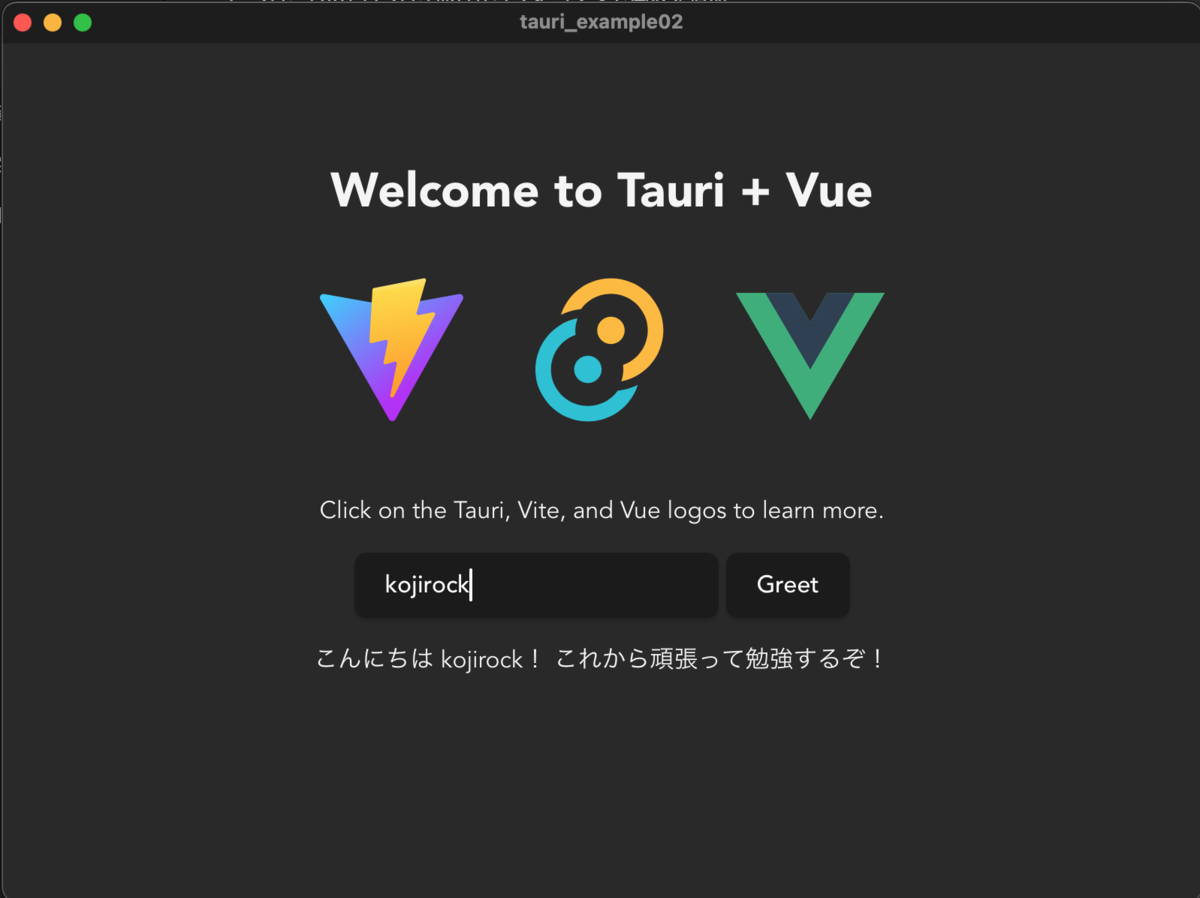
#[tauri::command]アトリビュートを指定して作成した関数を作る- tauri::Builderに作成した関数を登録する
- vue側では
"@tauri-apps/api/core"のinvokeで作成したコマンドを実行できる
2. ファイルを開く(ダイアログ→読み込み)
プラグインインストール
yarn add @tauri-apps/plugin-fs
yarn add @tauri-apps/plugin-dialog
依存関係を登録
Cargo.toml
tauri-plugin-dialog = "2"
tauri-plugin-fs = "2"
permissionを登録
src-tauri/capabilities/default.json
  "permissions": [
    "dialog:default",
    "fs:default"
  ]
ファイルを開く(vue)
<script setup lang="ts">
  const fileText = ref("");
  async function openFile() {
    // ダイアログを開いてファイルを選択
    const selected = await open({
      multiple: false,
      filters: [{ name: "Text", extensions: ["txt", "md"] }],
    });

    if (typeof selected === "string") {
      // ファイル内容を読み込み
      const content = await readTextFile(selected);
      fileText.value = content
    }
  }
</script>

<template>
  <main class="container">
    <div>
      <button @click="openFile">ファイルを開く</button>
      <p>{{ fileText }}</p>
    </div>
  </main>
</template>
読み込み用テキスト
じゅげむ じゅげむ ごこうのすりきれ かいじゃりすいぎょの すいぎょうまつ うんらいまつ ふうらいまつ くうねるところにすむところ やぶらこうじのぶらこうじ ぱいぽ ぱいぽ ぱいぽのしゅーりんがん しゅーりんがんのぐーりんだい ぐーりんだいのぽんぽこぴーの ぽんぽこなーの ちょうきゅうめいのちょうすけ
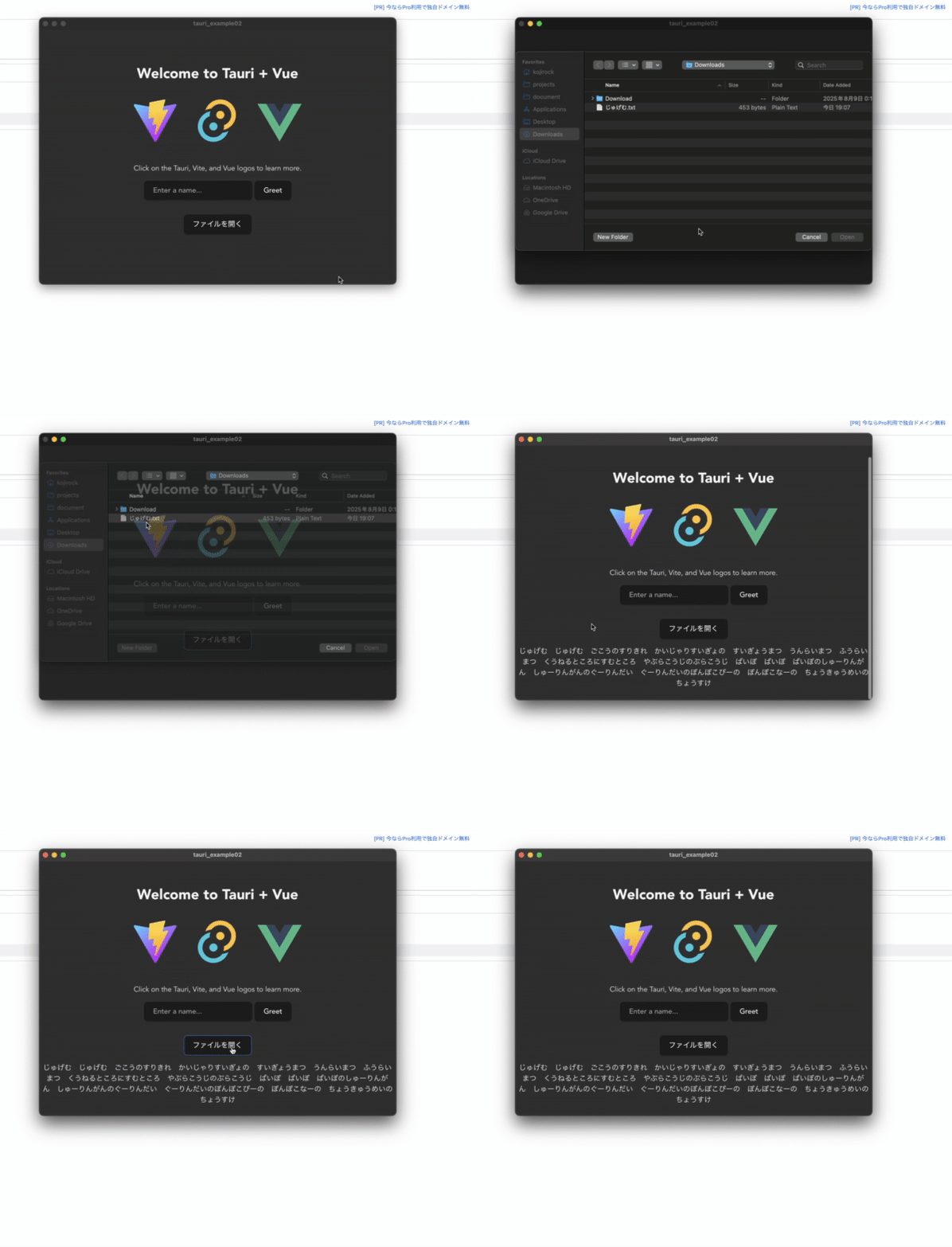
tauri側でコマンド作ってとかやると思っていたら、vue側だけでも解決するみたい。
終わりに
いったんここまで
またのんびり進めていきます。
