はじめに
tauri続きやってみます。
前回はAndroidエミュレータを立ち上げるまでやったので、今回はiOSエミュレータに挑戦です。
前回
本題
起動してみる
$ npm run tauri ios dev
発生したエラー
Underlying error (domain=FBSOpenApplicationServiceErrorDomain, code=4):
    The request to open "com.hogehoge.tauri-example03" failed.
Failed to deploy app to simulator: command ["xcrun", "simctl", "launch", "828EDE36-1A2B-4DFB-B187-B0C2997D6AD2", "com.hogehoge.tauri-example03"] exited with code 4
アプリの起動に失敗している模様。
調査
シミュレータが起動しているか確認
$ xcrun simctl list devices | grep Booted
    iPhone 16e (828EDE36-1A2B-4DFB-B187-B0C2997D6AD2) (Booted)
起動している。
アプリがインストールされているか確認
$ xcrun simctl listapps 828EDE36-1A2B-4DFB-B187-B0C2997D6AD2 | grep tauri
    "com.hogehoge.tauri_example03" = {
        CFBundleIdentifier = "com.hogehoge.tauri_example03";
        ...
    }
あれ?Bundle Identifierの値が違う。
- インストール済み:
com.hogehoge.tauri_example03(アンダースコア) - 起動しようとしている:
com.hogehoge.tauri-example03(ハイフン)
設定ファイルを確認
各設定ファイルを確認していく。
tauri.conf.json:
"identifier": "com.hogehoge.tauri_example03",
Cargo.toml:
name = "tauri_example03"
project.yml:
bundleIdPrefix: com.hogehoge.tauri-example03
なんか project.yml だけハイフンになっている。
project.ymlを修正
$ sed -i '' 's/tauri-example03/tauri_example03/g' src-tauri/gen/apple/project.yml
再実行したけど、まだ同じエラー。
genディレクトリを削除して再生成
$ rm -rf src-tauri/gen
$ npm run tauri ios init
$ npm run tauri ios dev
まだエラー。
エラーでている文の上の方をよく見ると、なにやら警告が出ていた
warning: invalid character in Bundle Identifier. This string must be a uniform type identifier (UTI) that contains only alphanumeric (A-Z,a-z,0-9), hyphen (-), and period (.) characters.
iOSのBundle Identifierはアンダースコア(_)が使用できない!
なんじゃそら!
これが根本原因でした。
tauri.conf.jsonを修正
アンダースコアからハイフンに変更:
$ sed -i '' 's/"identifier": "com.hogehoge.tauri_example03"/"identifier": "com.hogehoge.tauri-example03"/g' src-tauri/tauri.conf.json
genとtargetを削除:
$ rm -rf src-tauri/gen
$ rm -rf src-tauri/target
再実行:
$ npm run tauri ios dev
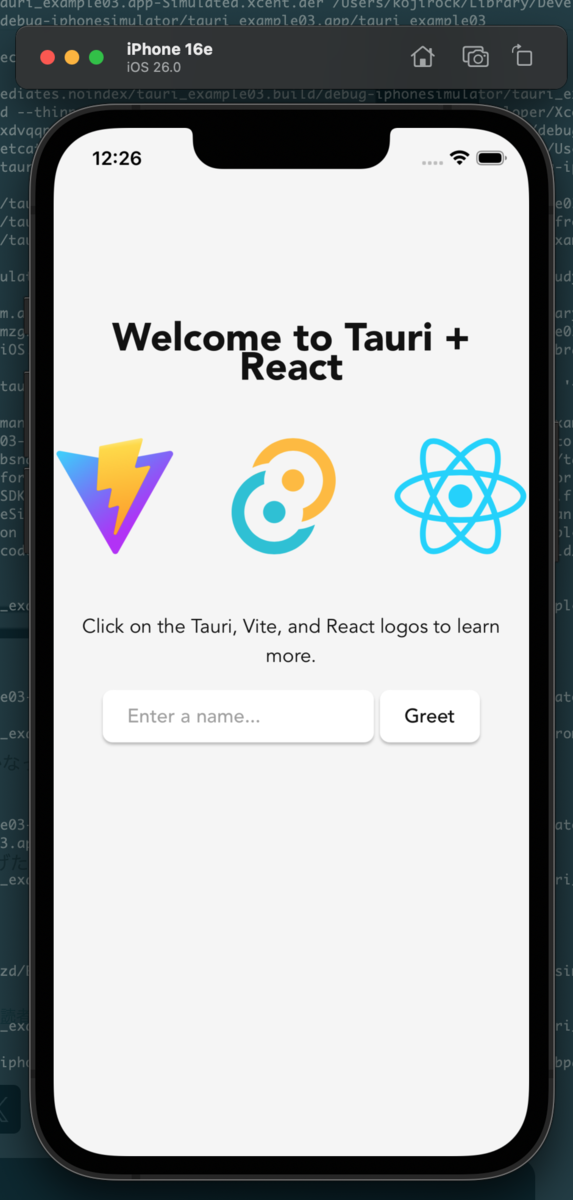
成功!
終わりに
iOSではBundle Identifierにアンダースコアが使えないということらしいです。
いやー無駄にハマった。
プロジェクト名をつけるときは、最初からハイフンにしておくと良さそうです。。。
またのんびり進めていきます。
